
Did You Know? You Can Add Clickable Links to Your Recipes!
Longtime Cook'n user Greg Strahm recently sent me a great question:
"Is there a way to make a link active within the Description and Directions sections when entering a captured recipe? It would be quite a helpful option to be able to demonstrate how to prepare a recipe captured from the internet that includes a 'how-to' video.
I always include recipe attributions and a source link for podcast listeners and guest home cooks. It would be great to have an option to make all links in a recipe active."
- Greg Strahm
The answer is YES!
Cook'n supports HTML links, so you can add a clickable link right inside the Description or Directions of a recipe.
For example, enter this:
Then, when you click the View Recipe tab, Cook'n will display:
Watch the how-to video
...as a clickable link!
You can do the same thing for recipe attribution:
This makes it easy to include a link to the original recipe, a cooking demonstration, a podcast, or anything else on the web that goes along with your recipe.
After I sent Greg those instructions, he tried it and told me the link wasn't clickable. After a couple of messages back and forth, we discovered the confusion: Greg was looking under the View menu at the top of Cook'n.
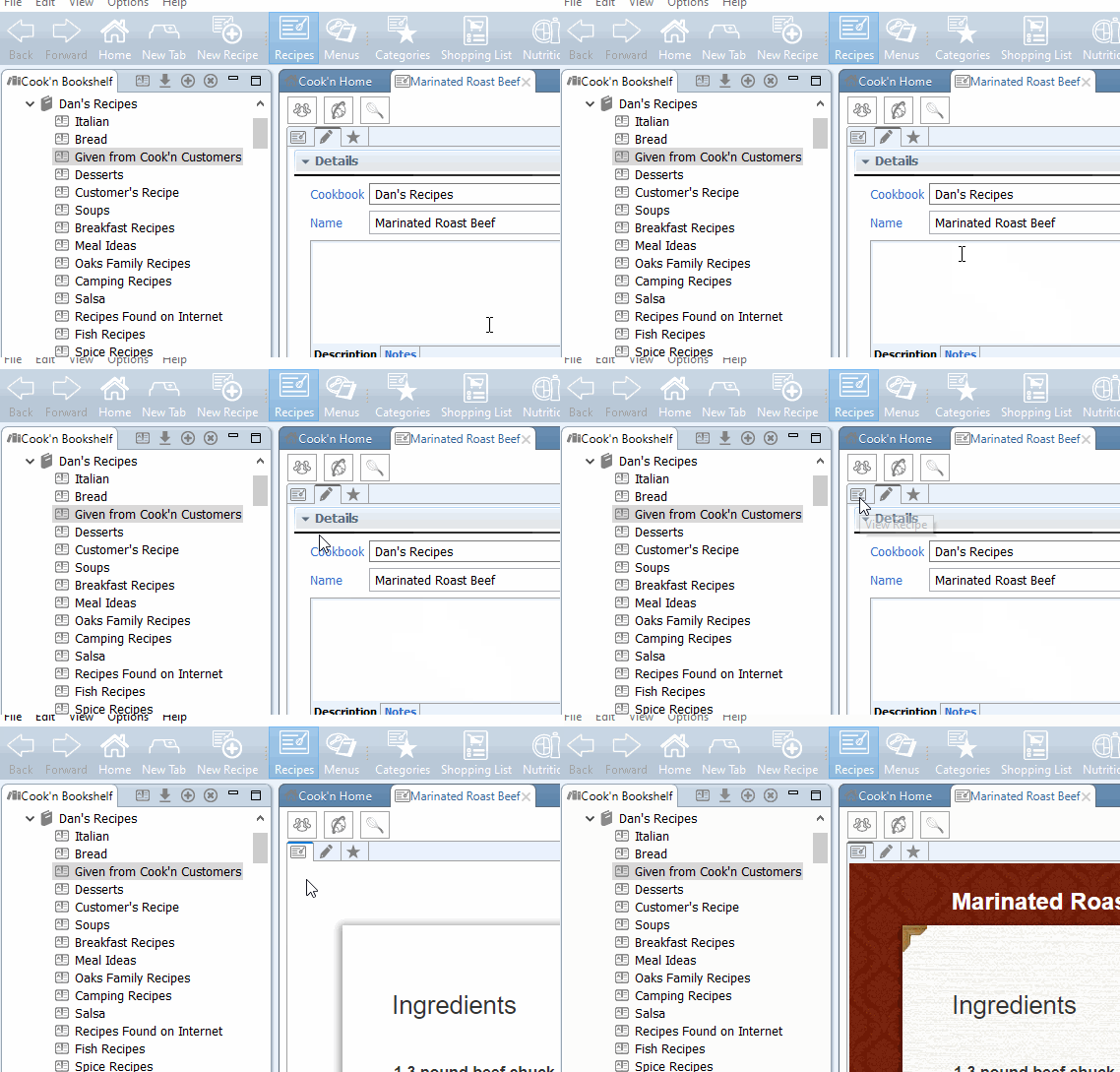
What I meant was the View Recipe tab!
I sent him the following quick screen recording showing where to click, and I think we got him squared away. 😊
I'm glad Greg asked because I'll bet he's not the only Cook'n user who didn't know you could do this!
So, the next time you capture a recipe that has a great how-to video, don't lose that video. Add a link right to the recipe in Cook'n. Then, whenever you're ready to make it, the instructions and the video will be right there waiting for you!