
Magic Scan Tip: Have More Than One Photo? No Problem!
One of the questions we've received about the new Magic Scan feature is, “What if my recipe takes more than one photo?”
Good news! Magic Scan can handle multiple images at once.

Let’s say you’re scanning a recipe from a cookbook that spans two pages. Or maybe you’re importing a recipe from a website and had to take several screenshots to capture the entire recipe.
Simply tap the camera icon in the upper-right corner and select the additional images you want to include.
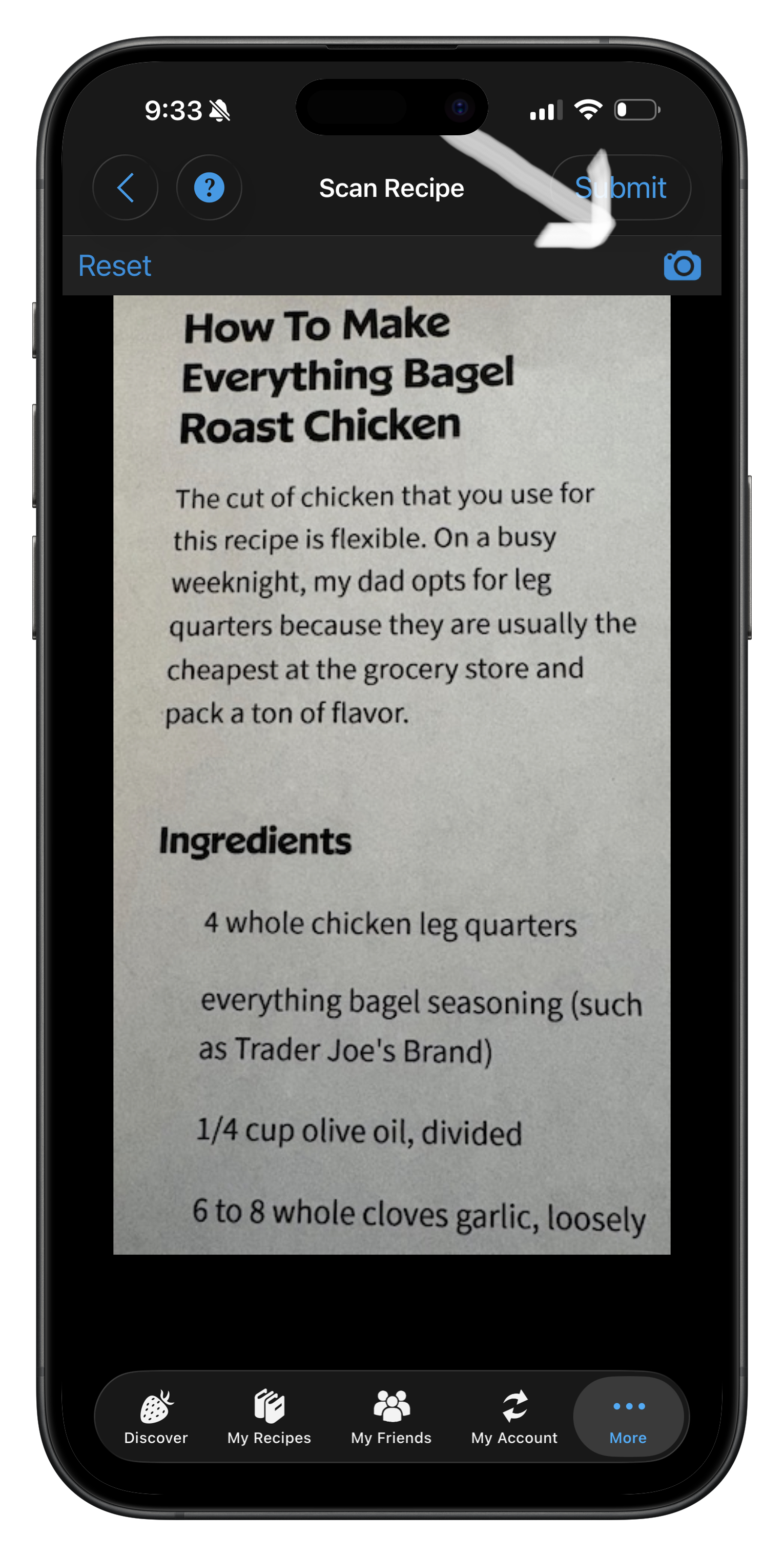
You can add a second, third, fourth, or even more images before submitting your recipe.
Once you’ve selected all the photos, tap Submit, and the Cook’n Magic Scan elves will get to work. They’ll combine the information from all of your images and transform it into a clean, editable Cook’n recipe in just moments.
Pro Tip: When taking screenshots from a website, be sure to capture the ingredients and directions completely, even if that means taking multiple screenshots. Magic Scan does a great job of piecing everything together.
Give it a try the next time a recipe won’t fit into a single photo. You might be surprised by how easy it is!
 Dan Oaks
Founder of DVO Enterprises
Creator of Cook'n
Grandfather of 5. Father of 5. Husband of 1.
Monthly Newsletter Contributor since 2024
Email the author! dan@dvo.com