
The Feature We Accidentally Removed (And Why Users Made Us Bring It Back)
When we first started building the new Elf Magic Scan feature for the Cook’n iPhone app, we thought we were creating the future of recipe importing.
And the truth is...we were.
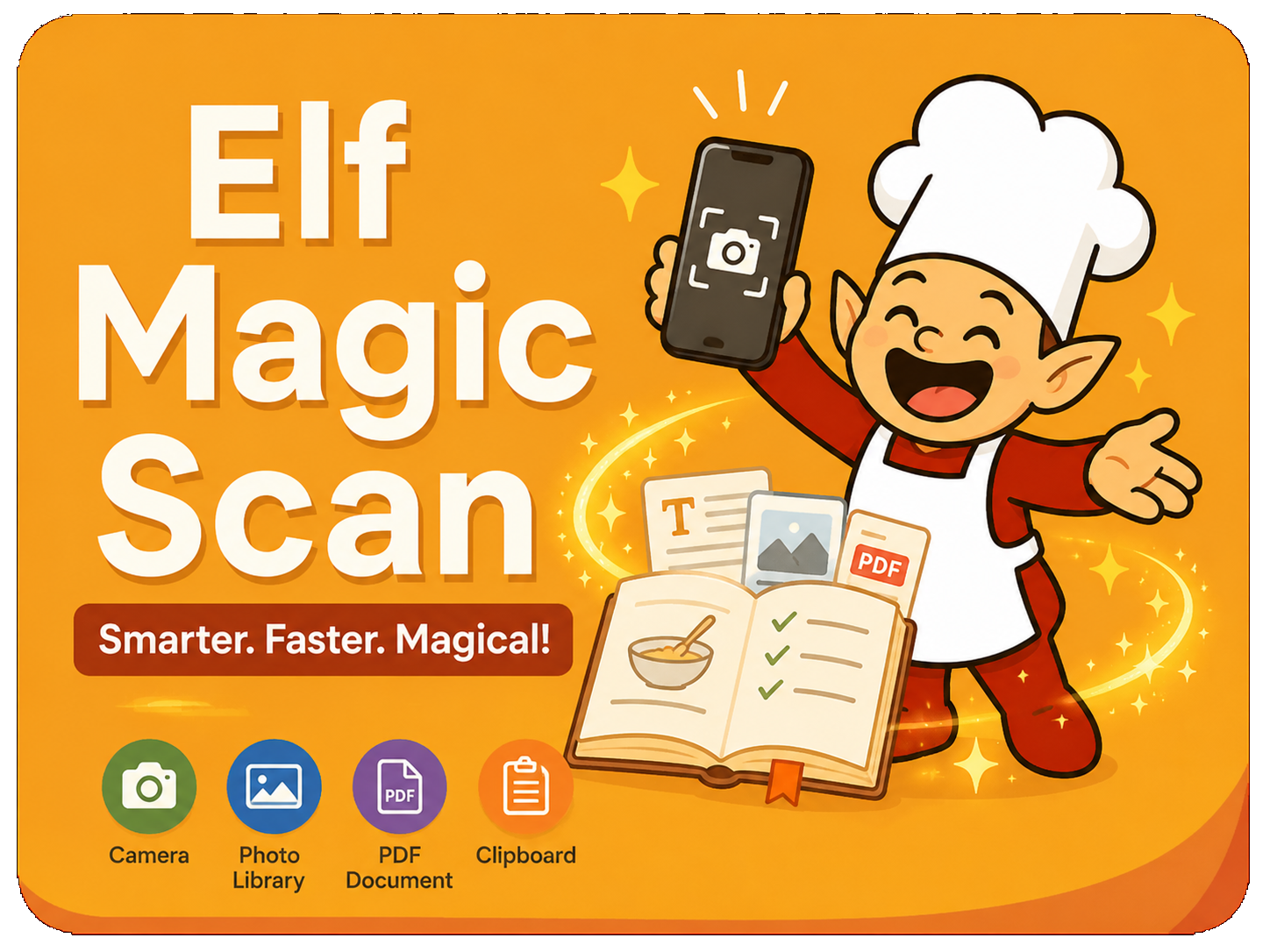
Instead of manually selecting recipe names, ingredients, and directions one section at a time, the new system could simply look at a recipe and automatically organize everything for you using Elf Magic. 🔥
Take a photo. Tap Submit. Done.
It felt like science fiction.
But then something unexpected happened...
😳 “Wait...where did Copy & Paste go?”
Almost immediately after launching the new feature, we started getting messages from Cook’n users saying things like:
“The new Magic Scan is awesome...but how do I paste recipes into Cook’n now?”At first, we were confused.
Paste recipes?
What were they talking about?
Then we discovered something hilarious...
For YEARS, many Cook’n users had been using the old Scan feature in a way we never intended. 😂
Here’s what they were doing:
- They would launch the old Scan tool
- Select a random image that returned no text
- Copy recipe text from an email, website, or notes app
- Paste the text into the Scan screen
- Use the selection tools to import the recipe into Cook’n
In other words...
You clever little rascals had secretly turned the old OCR scanner into a Copy & Paste importer. 🤣
And we didn’t even know it.
👩🍳 Even Brennah Was Doing It!
The funniest part?
Even my daughter Brennah, our professional Chef with a Computer Science degree from BYU, was secretly using this feature.
When we replaced the old Scan screen with Magic Scan, she said:
“Dad, the new Magic Scan feature is amazing...but I’m kinda sad I can’t paste recipes into Cook’n anymore.”That’s when we realized something important:
What looked like a “hack” to us had actually become a beloved workflow for many Cook’n users.
So the Cook’n Elves immediately got to work. 🧝✨
✨ Introducing the New Clipboard Option
Now, when you tap Scan in the Cook’n iPhone app, you’ll see four options:
- 📸 Camera
- 🖼️ Photo Library
- 📄 PDF Document
- 📋 Clipboard
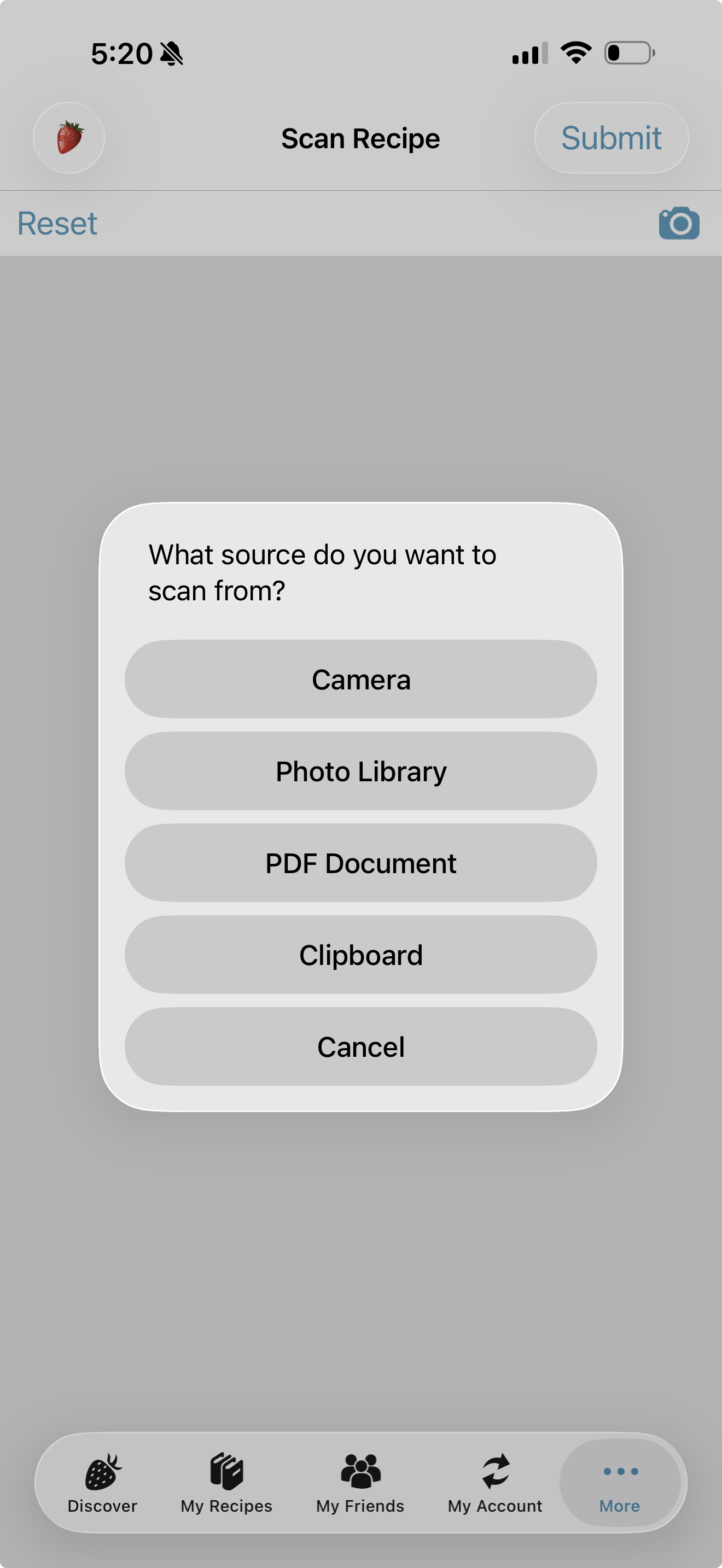
The new Clipboard option lets you:
- ✅ Paste recipe text from emails
- ✅ Paste recipes from websites
- ✅ Paste text from Notes or documents
- ✅ Edit the text before importing
- ✅ Add additional copied text from other apps
And here’s the magical part...
When you’re ready, simply tap Submit.
The Cook’n Elves automatically analyze the recipe and fill in the recipe name, ingredients, and directions for you automatically.
No more manually selecting sections and tapping:
- “Name”
- “Ingredients”
- “Directions”
The Elves do all the hard work now. 🔥
📸 The Other Surprise We Discovered
During testing, I randomly grabbed a cookbook from my bookshelf, snapped a photo, and tried importing it with Elf Magic.
But it failed.
Why?
Because there were TWO recipes on the page...and the Cook’n Elves weren’t sure which recipe I wanted. 😂
So we added another improvement:
✂️ Image Cropping
Now, if your photo contains multiple recipes or extra clutter, simply tap the image to crop and edit it before submitting.
That little enhancement made a HUGE difference in accuracy.
🚀 Elf Magic Is Finally Ready
One reason we only briefly mentioned Magic Scan in the last newsletter is because we were still optimizing the EI (Elf Intelligence) service behind the scenes.
Early on:
- Multi-image scans were inconsistent
- Processing times were too long
- Some recipe layouts confused the Cook'n Elves
But the Cook’n Elves have been hard at work optimizing everything.
And wow...what a difference.
Now:
- ✅ Scans are dramatically faster
- ✅ Multi-image recipes work much better
- ✅ PDFs import beautifully
- ✅ Clipboard importing is back and better than ever
- ✅ The entire experience feels magical
🔥 Give Elf Magic a Try
If you haven’t experimented with the new Magic Scan feature yet, this is the perfect time.
Whether you:
- snap photos from cookbooks
- import screenshots
- scan handwritten recipes
- capture PDFs
- or paste recipes from emails and websites...
Elf Magic makes getting recipes into Cook’n easier than ever before.
Standard and Premium members enjoy the best experience with unlimited access.
Free and Basic users can still try Elf Magic too, including two free scans every day.
After that, you can continue scanning additional recipes by watching a brief ad.
So go give it a try...
Because the truth is...
Watching the Cook’n Elves magically organize recipes still feels like science fiction to me.
.
 Dan Oaks
Founder of DVO Enterprises
Creator of Cook'n
Grandfather of 5. Father of 5. Husband of 1.
Monthly Newsletter Contributor since 2024
Email the author! dan@dvo.com